How Cara sorts urgent calls from estimate calls
Cara scores every call by what the caller actually says, and the result decides how loudly you're alerted.
Last checked against the product on
A burst pipe and a request for a fence-staining quote both come in as a phone call. You need to know which one to drop everything for. Cara sorts every call as it ends, so your alert and your calls list already tell you which is which before you've read a word.
How it works
- Cara always calls a bad situation "urgent" on the call itself, never a stronger word — whether or how to respond from there is your call, not Cara's.
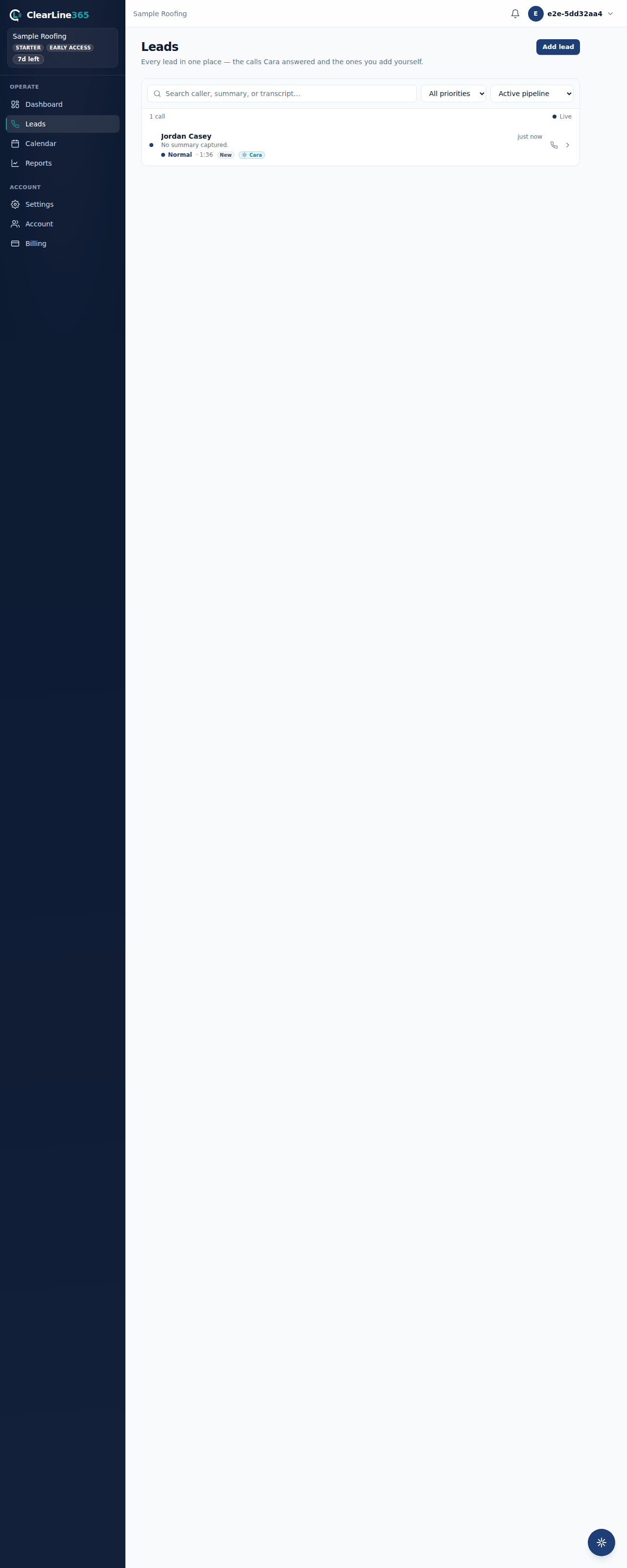
- Every finished call lands in one of four priorities, and your calls list filters by the same four: Urgent, High priority, Normal, and Low.
- Urgent is for calls where the AI's own service classification or the caller's description reads as severe — burst pipes, active flooding, fire, no heat, and similar.
- High priority is for calls that mention a safety-critical detail without being top-tier severe: a child, an elderly or disabled person, an allergic reaction, mold, sewage, or similar wording in what the caller described.
- Normal is a regular call — a booking request, a question, an estimate — with no urgent or safety language in it.
- Low is a call where the caller hung up before giving a name, address, or any description of the problem.
- You can add your own Urgent-call keywords in Settings so a word specific to your trade — the brand of a part you deal with, a phrase your customers use — also flags a call Urgent.
- Cara listens for the caller taking it back, too. If someone says "it's not urgent" or "no rush," Cara downgrades the call — unless they also describe something actively happening right now (active flooding, a gas leak, sparking wires), in which case Urgent stands.
- A call to cancel an existing appointment is recognized as a cancellation, not a new job, and isn't marked Urgent unless it also contains safety-critical language.
What to expect
- An Urgent call triggers a live alert banner on the website the moment it lands, wherever you're working, with a link straight to the call.
- On Pro, the dashboard's "What needs attention" card surfaces the leads that can't wait: an Urgent call nobody's followed up on yet, a lead gone 24 hours with no contact, or a caller who agreed to book but never made it onto the calendar. Basic and Starter don't have this card.
- Every call — Urgent, High priority, Normal, or Low — still shows up in your calls list and still gets a full lead record regardless of plan. Sorting by priority never hides a call from you; it only changes how loud the alert is.
Limits
Cara reads what the caller says, not what actually happened. A caller who downplays a real problem ("it's probably nothing, but...") can land Normal. A caller who uses dramatic language about a minor issue can land Urgent. The safety words that push a call into High priority are a fixed list plus whatever keywords you've added — a phrase outside that list won't trigger it on its own.
Common questions
Can I change what counts as urgent for my business?
Yes. Add your own Urgent-call keywords in Settings, in addition to the built-in safety words Cara already listens for.
Does a Low-priority call mean Cara failed?
No — it means the caller hung up before saying anything Cara could capture. The call still shows in your history so you can call back if the number is one you recognize.