How Cara books appointments with no calendar connected
Cara can offer open slots and book a job on the call itself, using your business hours and the built-in ClearLine365 calendar, before you ever connect Google or Outlook.
Last checked against the product on
A customer calls about a leak under the sink and wants someone out this week. You haven't connected a calendar — maybe you never plan to. Cara books the appointment anyway, on the call, onto the calendar built into ClearLine365. No external calendar is required, on any plan.
How it works
- While Cara is still on the phone with the caller, she checks your business hours, your appointment length and buffer, and the appointments already on your books.
- She offers up to three open times, starting with the day the caller asked for.
- When the caller picks one, she books it and confirms it out loud before the call ends.
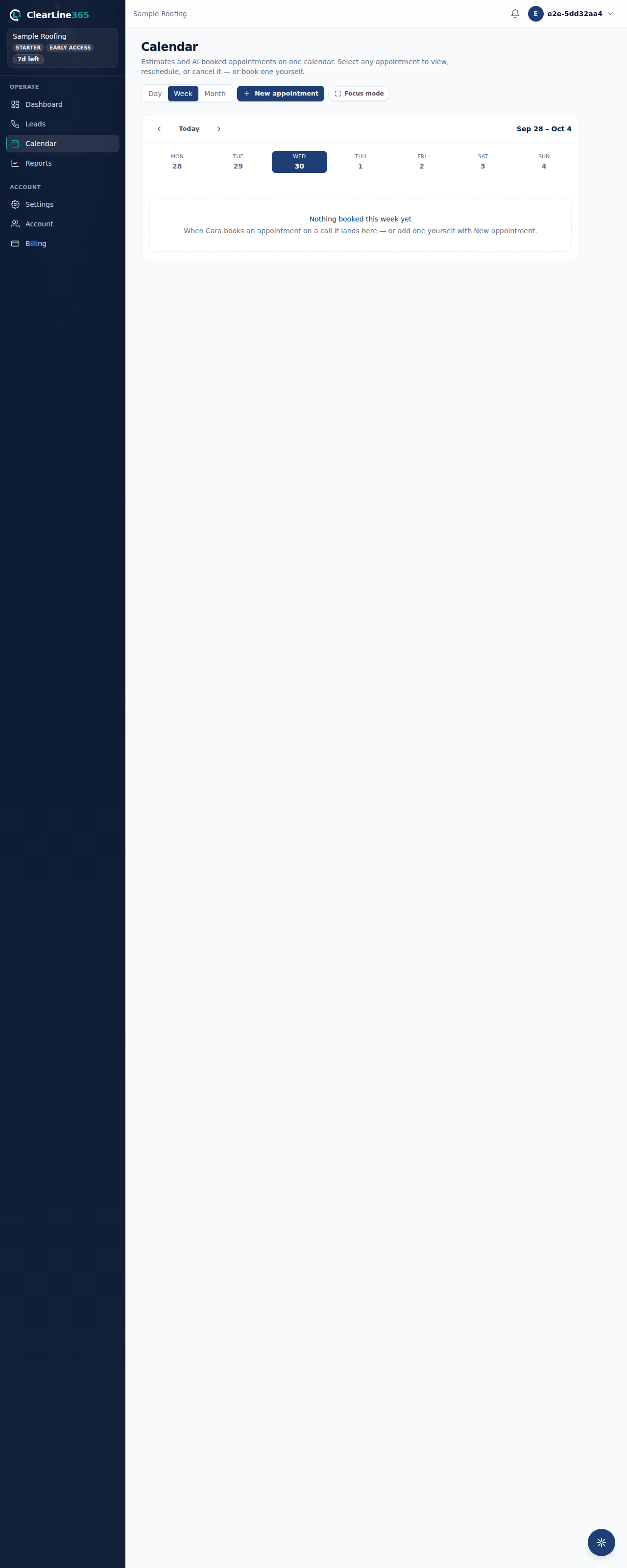
- The appointment lands in your calendar on the website immediately, labeled AI receptionist (on a call) so you can tell it apart from anything you or your team added by hand.
In-app booking is part of every ClearLine365 plan, including Basic — it isn't an add-on and doesn't require any integration.
What Cara uses to decide
- Business hours. The hours you've set in Settings → Business — Cara won't offer or book outside them, and she won't offer a day you've marked closed.
- Appointment length, buffer, and lead time. Set in Settings → Assistant → Booking rules: "Appointment length" (how long a job takes), "Buffer between jobs" (drive time you want between appointments), and "Minimum lead time" (how soon a caller can book from right now). Until you change them, appointments default to 60 minutes with a 30-minute buffer and a 2-hour minimum lead time.
- What's already booked. Cara looks roughly a week ahead and never double-books a slot another job already holds, whether that job was booked by Cara or added manually.
What to expect
The appointment shows up on your calendar on the website right away — no delay, no separate sync step. Open the appointment and it's tagged with how it was created, so a booking Cara made on a call never gets mistaken for one you typed in yourself.
If Cara can't find an opening that works, or something goes wrong looking up your calendar, she tells the caller someone will follow up to confirm a time instead of guessing — the lead is still captured either way.
Limits
- Cara books into the ClearLine365 calendar only until you connect an external calendar (Google, Apple, or Microsoft 365) on Starter or above. Once one is connected, that calendar's free/busy time becomes the authority Cara books against — see Who decides availability.
- She offers up to three times per request, looking about a week out. If nothing in that window works for the caller, she'll say so rather than search further ahead.