Who decides availability: your calendar or the website
Your connected calendar rules what time is open; the ClearLine365 website rules what job is on the books, and the two never contradict each other.
Last checked against the product on
You block off Tuesday afternoon in Google Calendar for a personal appointment. Does Cara know not to book a job then? And if you add a job straight into the ClearLine365 website, does your connected calendar find out? The rule is simple: your connected calendar decides what time is open, and the ClearLine365 website is the record of what job is on the books.
How it works
- Your calendar rules time. If you've connected Google, Apple, or Microsoft 365, that calendar's free/busy status is the final word on whether a moment is open. Cara checks it before offering or booking a slot, and the calendar view on the website shows the same busy blocks — so the AI and your screen can never disagree about what's free.
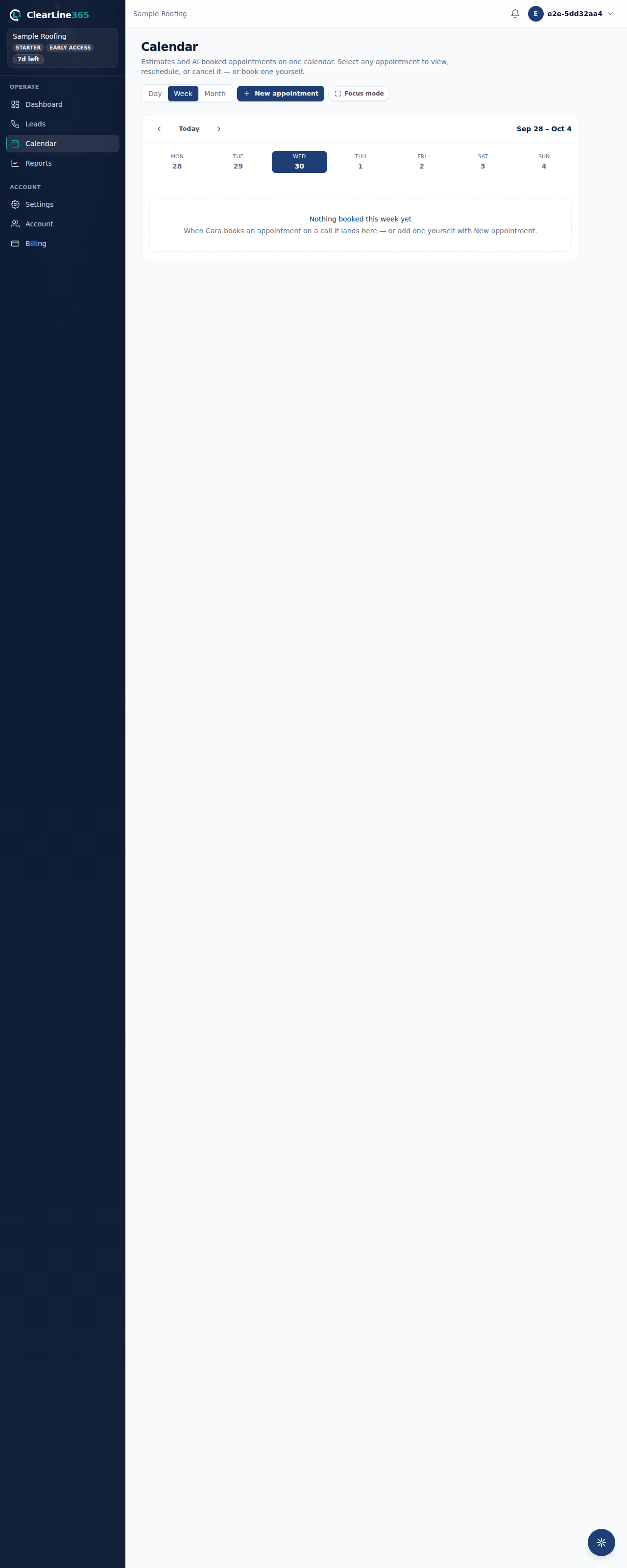
- The website rules jobs. The ClearLine365 appointments list — what Cara books on a call, and what you or your team add by hand — is the record of which jobs exist, for who, and their status. That record is what shows up in your calendar view, your stats, and your leads.
- Every appointment made in ClearLine365, by Cara or by you, pushes an event to your connected calendar automatically. You don't need to add it twice.
- An event on your connected calendar that ClearLine365 didn't create — a personal appointment, a job you typed straight into Google — still blocks that time from being offered, even though it never becomes a ClearLine365 appointment record.
What to expect
With no calendar connected, the website's own appointment list is both the job record and the time authority — Cara checks it directly. Once you connect a calendar, that calendar takes over as the time authority; the website keeps being the job record either way.
If you cancel a job on the website, that frees the time on your connected calendar automatically. If you delete the event on your connected calendar instead of canceling it in ClearLine365, the website still shows the job as booked — cancel it on the website so both sides agree.
Limits
- If ClearLine365 can't reach your connected calendar for a moment — a slow response, an expired connection — Cara still books the appointment rather than making a live caller wait. The appointment goes on your books, and you may see a note on the call that your calendar couldn't be checked for that booking, so you can double-check for a conflict yourself.
- Only the calendars you've connected feed availability. A calendar you haven't connected to ClearLine365 has no way to tell Cara it's busy.
Common questions
If I turn off calendar sync, does Cara stop checking for conflicts?
No — Cara always checks the ClearLine365 appointments list, connected calendar or not. Turning off a calendar connection just removes that calendar's own events from the picture.
What if two things try to book the same slot?
Whichever books first wins. The other party — whether that's Cara offering a slot to a caller, or you opening the website — sees it as unavailable.