Connect Apple Calendar with an app password
Link your iCloud calendar with an app-specific password so Cara books straight onto it and never double-books what's already there.
Last checked against the product on
You run your schedule off your iPhone's Calendar app, synced through iCloud, and you'd rather Cara write appointments there than manage a second calendar. Apple doesn't offer the one-click sign-in Google and Microsoft do — instead you generate a one-time app-specific password from your Apple account and paste it in. It takes about two minutes.
How it works
- ClearLine365 connects to your iCloud calendar using your Apple ID email and an app-specific password — never your real Apple ID password, which ClearLine365 never sees or asks for.
- Once connected, that calendar's free/busy time becomes authoritative: Cara won't offer or book a time it shows as busy.
- Every appointment Cara books gets exactly one matching event on the iCloud calendar you choose.
- Two-factor authentication has to be turned on for your Apple ID to generate an app-specific password — it already is on virtually every iPhone.
Connect it
- Go to account.apple.com and sign in with your Apple ID.
- Open Sign-In & Security → App-Specific Passwords.
- Generate a new password and name it "ClearLine365". Apple shows it once, on screen, and never again — copy it now. If you've already closed that screen, generate a new one.
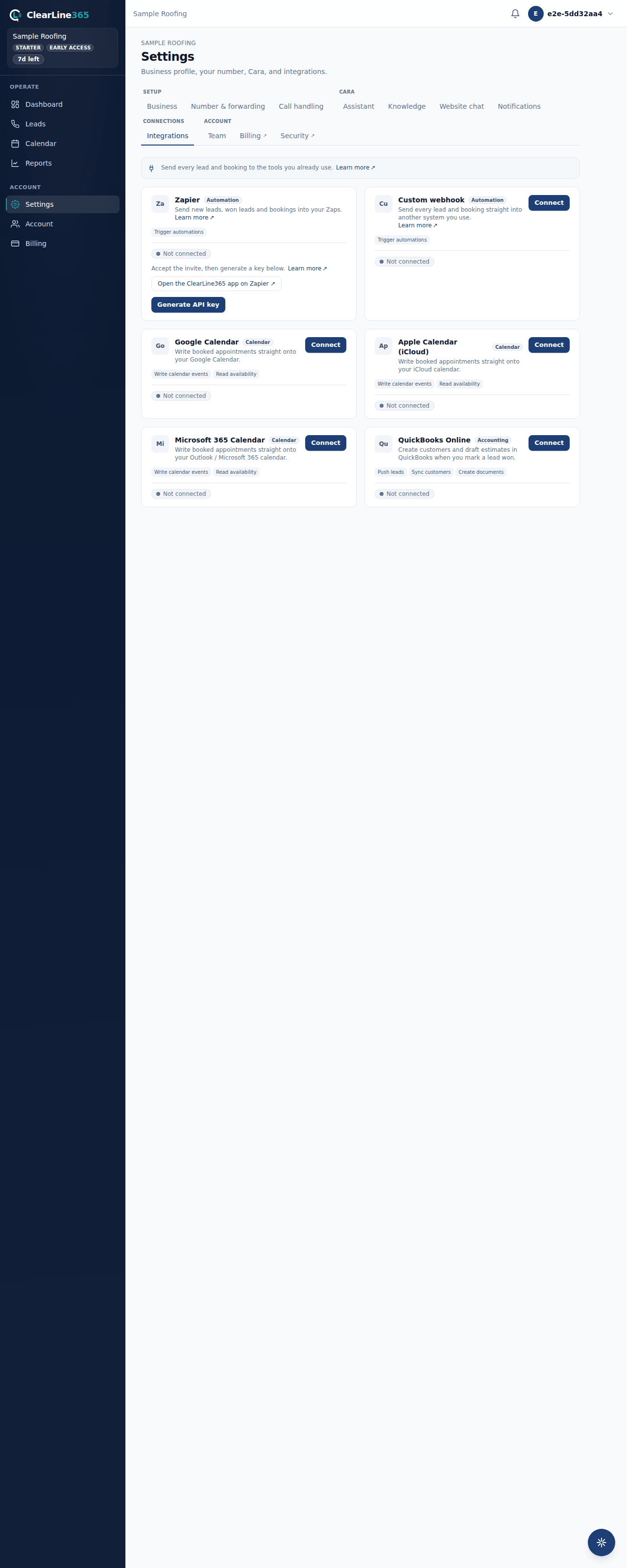
- In ClearLine365, go to Settings → Integrations, find the Apple Calendar (iCloud) card, and select Connect.
- Enter your Apple ID email and paste the app-specific password, then submit.
ClearLine365 verifies the password with Apple before saving anything — if it's wrong or expired, you'll see that immediately rather than a connection that silently fails later.
What to expect
Once connected, pick your Target calendar from the dropdown — ClearLine365 pre-selects one for you, defaulting to Home. Any appointment Cara books during a call appears on that iCloud calendar within moments, and any event already there keeps that time unavailable to Cara.
Limits
- Basic has no calendar integrations. Basic uses the built-in ClearLine365 calendar only — Apple Calendar sync starts at Starter.
- Starter holds one calendar connection at a time — Google, Apple, or Microsoft 365, your choice. Disconnect the first to switch, or upgrade to Pro to run more than one calendar at once.
- Pro and above may connect multiple calendars simultaneously.
- Apple Calendar bookings don't send the customer an email invite, and event times are written without a specific time zone attached — your iPhone or Mac renders them in whatever zone it's set to.
- If your app-specific password is revoked or expires, appointments stop syncing until you generate a new one and reconnect.
- If ClearLine365 can't reach iCloud for a moment during a live call, Cara still books the appointment rather than making the caller wait — see Who decides availability for what happens then.
Common questions
Why an app-specific password instead of signing in with Apple?
Apple doesn't offer calendar-sync sign-in the way Google and Microsoft do. An app-specific password is Apple's own supported way to let an outside app use your iCloud calendar without handing over your real Apple ID password.
Can I revoke access later?
Yes — delete the app-specific password from account.apple.com any time, or disconnect the integration from Settings → Integrations. Either one stops ClearLine365 from reaching your calendar.