Auto-training from your website
Give Cara your website address during setup and she reads it, proposes your business details, and only saves what you approve.
Last checked against the product on
Typing out your services, hours, and FAQs from scratch is the kind of setup step that gets put off. If you already have a website, Cara can read it for you and fill in a first draft — you review it, fix anything off, and publish only what you approve.
How it works
- You give Cara your website address during setup. She fetches your homepage plus up to four obvious child pages (services, about, contact, pricing) — no more than five pages total, and nothing behind a login.
- She reads the text and proposes your business name, services, hours, service area, up to 20 frequently-asked-questions with prices, and a greeting suggestion — each with her own confidence in it.
- Nothing is saved at this point. You see the proposal on the next screen, edit anything you want, and only then does it write to your business information.
- If your site is thin, unreachable, or written entirely in JavaScript that doesn't render as plain text, Cara tells you plainly and points you at typing your details in by hand instead. A read that fails never blocks your setup.
Give Cara your website to read
- During setup, on the "Let's teach Cara about your business" step, enter your website address.
- Cara reads it — this takes a few seconds. If your site is genuinely large or slow to load, it can take longer, but there's no waiting indefinitely: a failed read always falls through to the manual form.
- Review the proposal she comes back with: business name, services, hours, service area, and FAQs with prices, each one editable.
- Fix anything she got wrong or that doesn't apply, and remove anything you don't want kept.
- Approve it. Only then does it save — to your business profile, your assistant's services and hours, and a new knowledge pack named "From your website" holding the FAQs she found.
What to expect
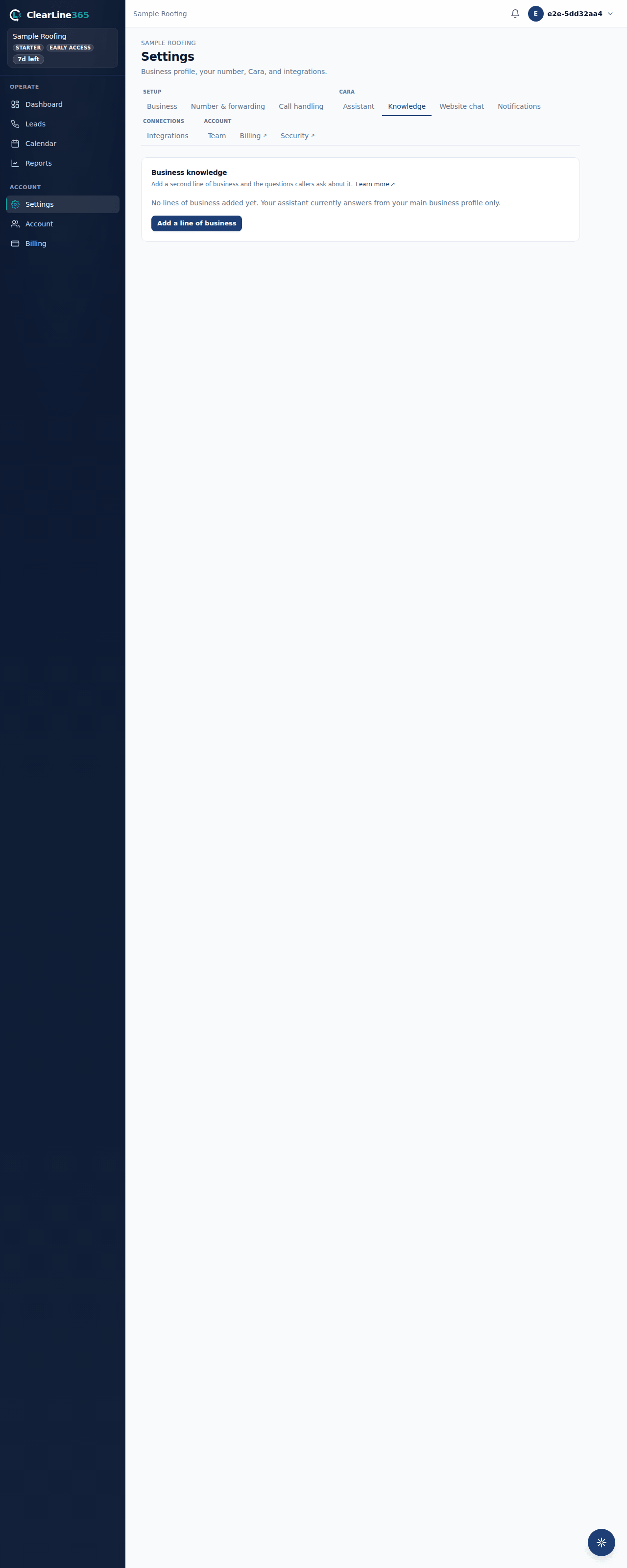
The FAQs Cara pulled from your site land in a knowledge pack called "From your website," visible and editable afterward under Settings → Knowledge alongside any other line of business you add. Running the read again later replaces that pack's questions and answers with the new read — it doesn't duplicate them.
Limits
- Auto-training from a website is available during setup only, on both the web and the app — there is no button to re-run it later from your Settings. The knowledge pack it creates is still fully editable afterward from Settings → Knowledge.
- Sites that render their content entirely in JavaScript, without a server-side fallback, don't have enough plain text for Cara to read. Most Google Business Profile pages fall into this category too.
- You can attempt a read up to 10 times a day. Past that, the setup step points you at typing your details in instead.
- Cara never invents anything from a page she couldn't read — a failed or thin read always ends in an honest message pointing you at the manual form, never a guess.
Common questions
Does this touch my business's live information right away?
No. Nothing is written until you review the proposal and approve it. You can edit every field first, or back out and type your details in by hand instead.
What if I run it twice?
Running it again on setup replaces the previous "From your website" knowledge pack's questions with the new read. Anything else you've since added by hand in other knowledge packs is untouched.