Knowledge packs: writing Q&As Cara answers well
Add a line of business as a set of caller questions and answers, so Cara answers from exactly what you wrote instead of guessing.
Last checked against the product on
Your business profile covers your main trade, but you might also rent dumpsters, sell parts, or run a second line of work callers ask about. Rather than crowd all of that into one greeting, a knowledge pack lets you write the exact questions callers ask about that line of business and the exact answers Cara should give.
How it works
- A pack is a named block of caller questions and answers — Cara only answers a caller's question from a pack if you've written the answer. Anything you haven't covered becomes a message for you instead of a guess.
- Only active packs are given to Cara on a call, up to 3 active at once, sharing a combined 4,000-character budget. If your active packs together go over budget, the packs at the end of your list are the ones left off — a saved pack you turn on later still counts.
- Turning a pack off keeps it saved but stops giving it to Cara; deleting removes it for good.
Add a line of business
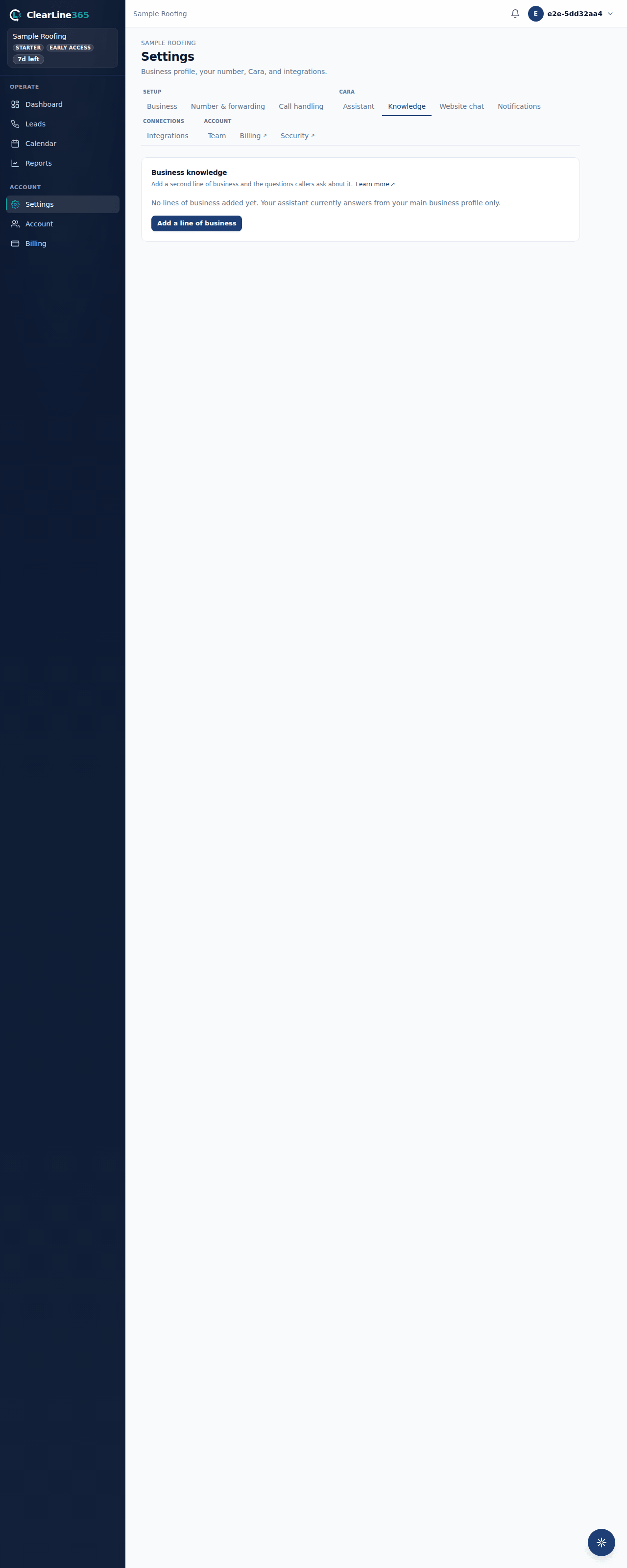
- Go to Settings → Knowledge and select Add a line of business.
- Pick a business type from the list to pre-fill common caller questions, or choose Something else to name it yourself and start from a blank question.
- Name the line of business (up to 80 characters) — this is spoken context for Cara, so callers may hear it, and it should read naturally.
- Answer the pre-filled questions in your own words. You can skip any question you don't want to answer — unanswered questions are simply left out.
- Add your own questions too, up to 30 per pack (200 characters per question, 400 per answer), using + Add your own question.
- Select Save & preview to see the exact block of text Cara will be given.
- Review it, then select Turn on to make it live on your next call, or leave it off to save it for later.
What to expect
The preview screen shows the compiled text word for word — this is exactly what Cara receives, nothing paraphrased. Once you turn a pack on, it's live on your very next call. If your greeting doesn't already mention the new line of business, the review screen suggests adding a line to it under Settings → Assistant → Greeting, since callers hear your greeting before they ask anything.
Limits
- Knowledge packs are available on Starter ($149/month) and up — Basic accounts see an upgrade prompt instead of the editor.
- Up to 3 packs can be active at once, and active packs share one 4,000-character budget.
- Each pack holds up to 30 questions, each question up to 200 characters and each answer up to 400.
- Cara answers only from what you've written. If a caller asks something a pack doesn't cover — especially a price you didn't give her — she doesn't guess; she takes a complete message instead.
Common questions
What happens if my active packs go over the character budget?
The packs at the end of your active list are left off Cara's calls until you shorten some answers or turn one off. Nothing is deleted — it's just not given to Cara until it fits.
Can I edit a pack after it's live?
Yes. Select Edit on any pack to change its questions or answers, then save and preview again. The updated text applies on your next call as soon as you save.