Forward a second cell phone
Send a second cell phone's calls to Cara by dialing its carrier's code on that phone, then marking the line done in ClearLine365.
Last checked against the product on
You carry one phone. Your partner, or your lead tech, carries another, and customers have both numbers written down somewhere. That second phone can go to Cara as well. It takes one code, dialed once, on that phone.
Why you dial it over there
A carrier's forwarding code programs whichever phone dials it. Dial it on the phone in your hand and you forward the phone in your hand — that is why ClearLine365 hands you the codes for the second phone instead of dialing them. Somebody has to be holding it.
That is the only difference. The codes are the same kind your own phone uses, and the second phone needs nothing installed on it.
Add the line
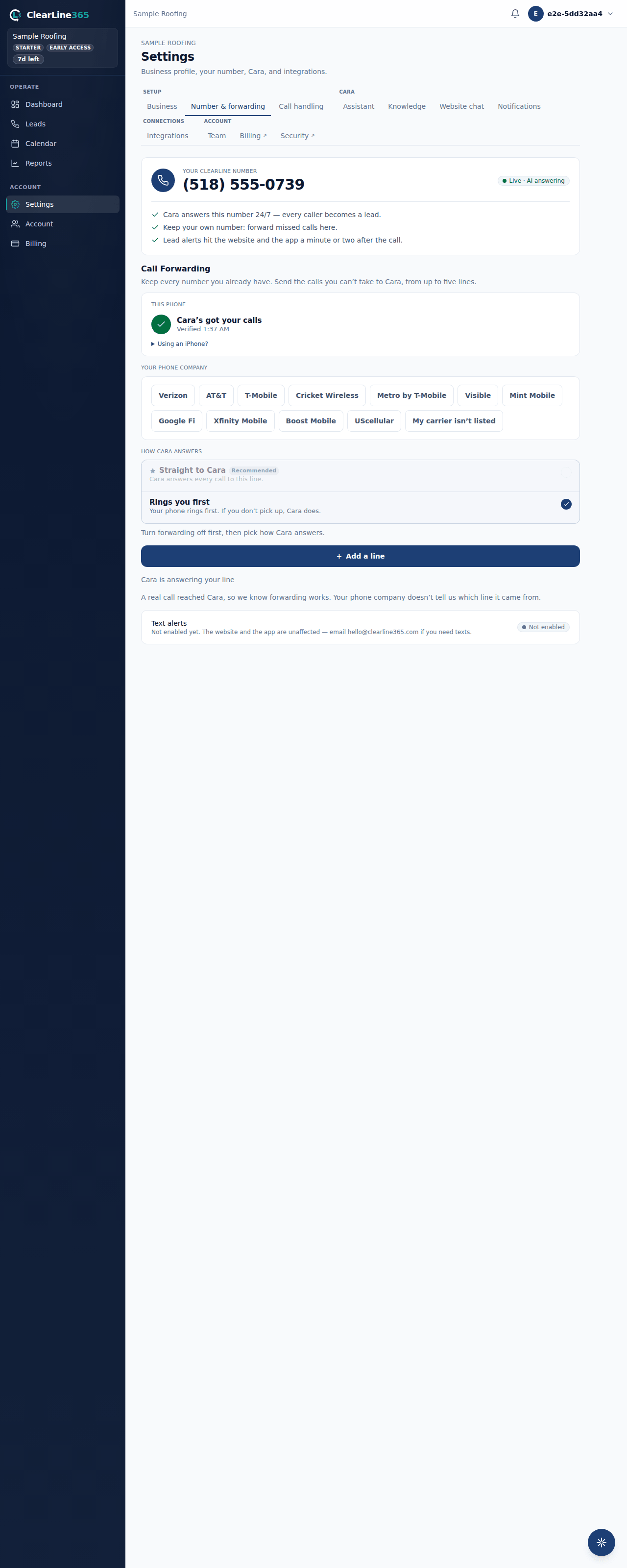
- Open Settings → Number & forwarding → Call Forwarding on the web, or tap the forwarding card at the top of your Leads screen in the app. Both open the same screen.
- Tap Add a line, then Another mobile.
- The new line opens, already named for you — "Cell", or "Cell 2" if you have one already.
- Under Who's that phone's company?, pick the company that phone is with. It is often not the same as yours, and picking yours gives you codes the other network won't take.
- The on code and the off code appear under Dial these on that phone, with your ClearLine365 number already in them.
Dial the code on that phone
- Pick up the second phone, or read the code out to whoever has it.
- Open its dialer and enter the code exactly as shown, including every
*and#. - Press call, and wait for the confirmation tone or the short note the carrier puts on the screen.
- Back in ClearLine365, tap Done, I dialed it.
The off code sits on that same screen. When you want its calls back, open the line, tap Turn it off, dial that code on that phone, then tap Done, I dialed the off code.
If that phone is an iPhone on iOS 17 or later, turn Live Voicemail off on it first — Settings → Phone → Live Voicemail. Live Voicemail can answer a call before the forwarding gets its turn. See Turn off Live Voicemail on your iPhone for the full steps.
What to expect
Call that phone's number from a third phone and let it ring out. Cara picks up with your greeting, and a minute or two after you hang up the call is on your Calls screen with the lead she captured; the recording and transcript fill in shortly after. Leads from every line land in the same place.

ClearLine365 confirms forwarding for your business as a whole, not line by line: it can see that a call arrived, but nothing tells it which of your phones sent it. So once any call reaches Cara it says Confirmed by your first call — check each new phone by calling it yourself.
Limits
- ClearLine365 can only dial for the phone it is running on. Every other phone gets codes to dial, and a Done button that records what you tell it.
- What you tell us about this line is your answer, not a reading from the network. Nothing on that phone reports back, so if somebody dials the off code without saying so, ClearLine365 won't know.
- You can list five lines in all, counting the phone in your hand.
- Codes are per phone. Forwarding one cell does nothing to the other, in either direction.
Common questions
Does the other person need a login?
No. Nothing gets installed on that phone and nobody has to sign in on it. It needs one code dialed, once, and after that it behaves like any forwarded line.
What if that phone is on a different carrier than mine?
That is normal, and it is exactly why the line has its own carrier picker. Pick the carrier the second phone is actually on; the code that works on one network is often refused on another.
Can I forward a phone somebody else pays the bill on?
Technically the code works on any phone you can dial from. Ask them first — while it's forwarded, their number rings Cara instead of them, including calls that have nothing to do with your business.
Can I get rid of a line I added?
Yes. Open it and tap Remove this line. It asks once, then the row is gone. Nothing changes at the carrier, so if that phone was still forwarding, dial its off code on it as well.
How many extra phones can I add?
Four, on top of the phone in your hand. Mix and match them with a shop landline or a VoIP number however your business is actually wired.